Showing 1–20 of 30 posts
- Working with AI
Get Claude, ChatGPT or Gemini to explain it as a page
Claude artifacts, Gemini Canvas and ChatGPT can turn an answer you can't follow into a page you click through, with pictures for each step and a quiz.
- Agents & Tooling
Scheduled tasks in Claude, ChatGPT, Gemini and Copilot for a brag doc
Use a scheduled task in Claude, ChatGPT, Gemini or Copilot to list your week from your sent email and calendar, ready to paste into your brag doc.
- One Prompt Well
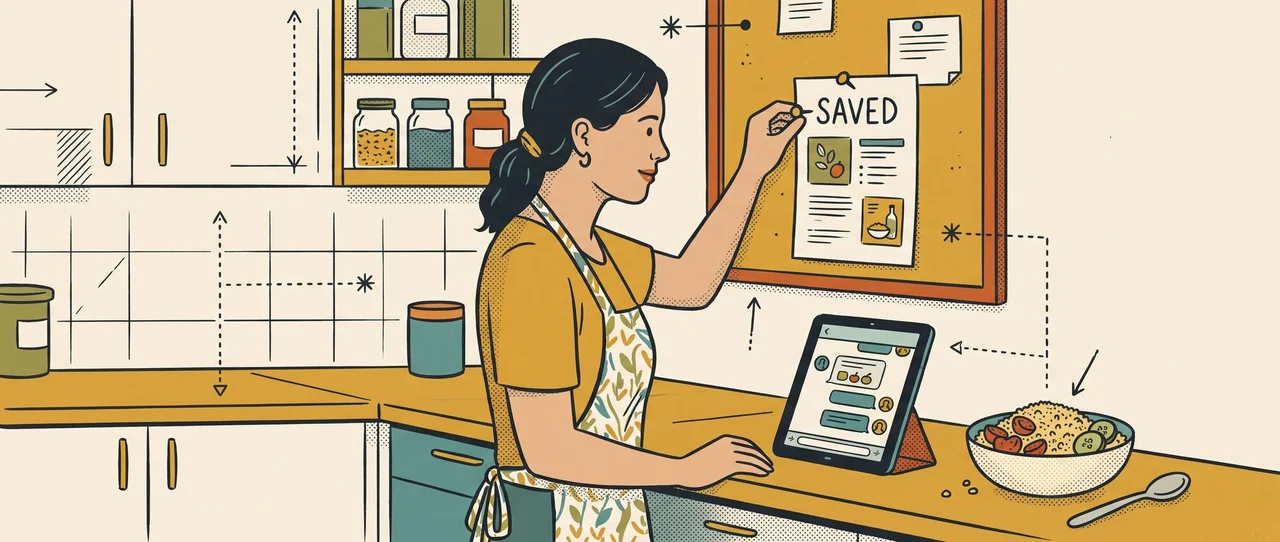
Save a Gemini answer to Google Docs straight from the chat
When Gemini gets something right, like a recipe changed to fit the ingredients you have, ask it in the chat to save the whole thing to a new Google Doc.
- Working with AI
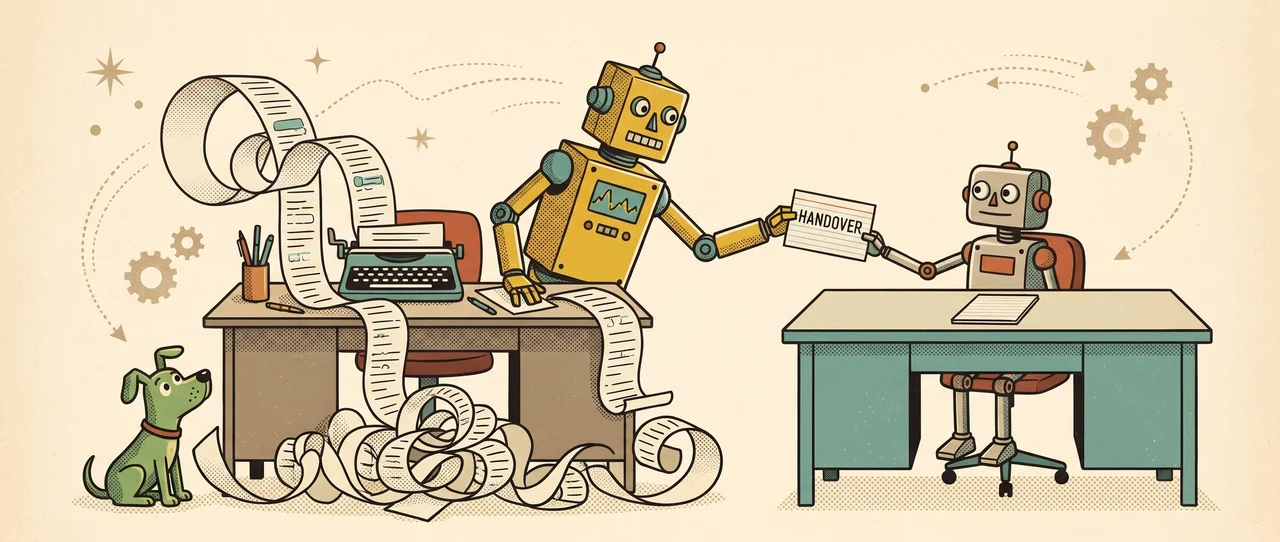
Hand AI work to a new chat or teammate with a short handover
Ask your AI for a handover in one format, keep that format in a Claude or ChatGPT project, and share daily logs so a new chat or a teammate's AI can carry on.
- Working with AI
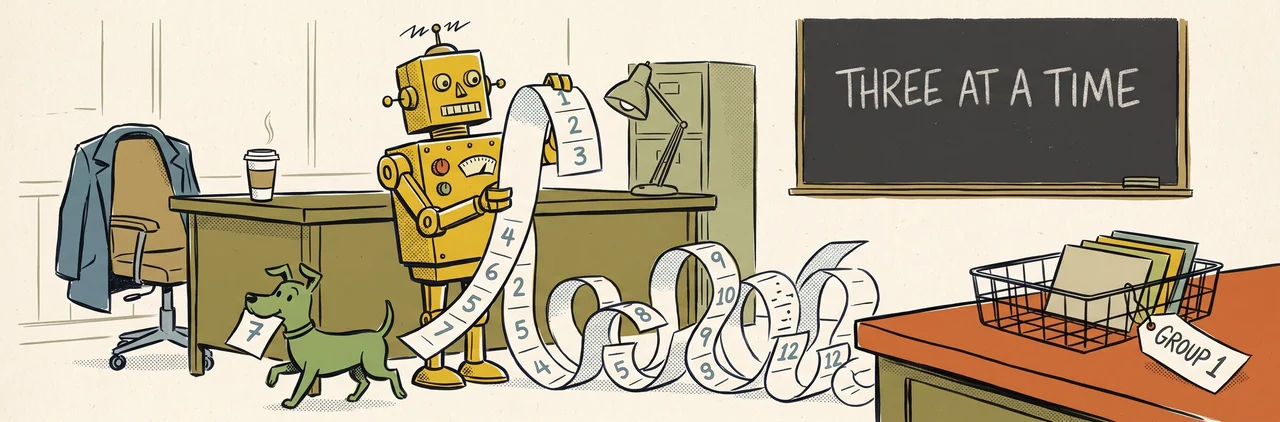
Custom instructions for when your AI asks too many questions
Paste-in lines for ChatGPT and Claude that make your AI ask in groups of three or fewer, each with a line on what it's about, so you can answer after a break.
- Working with AI
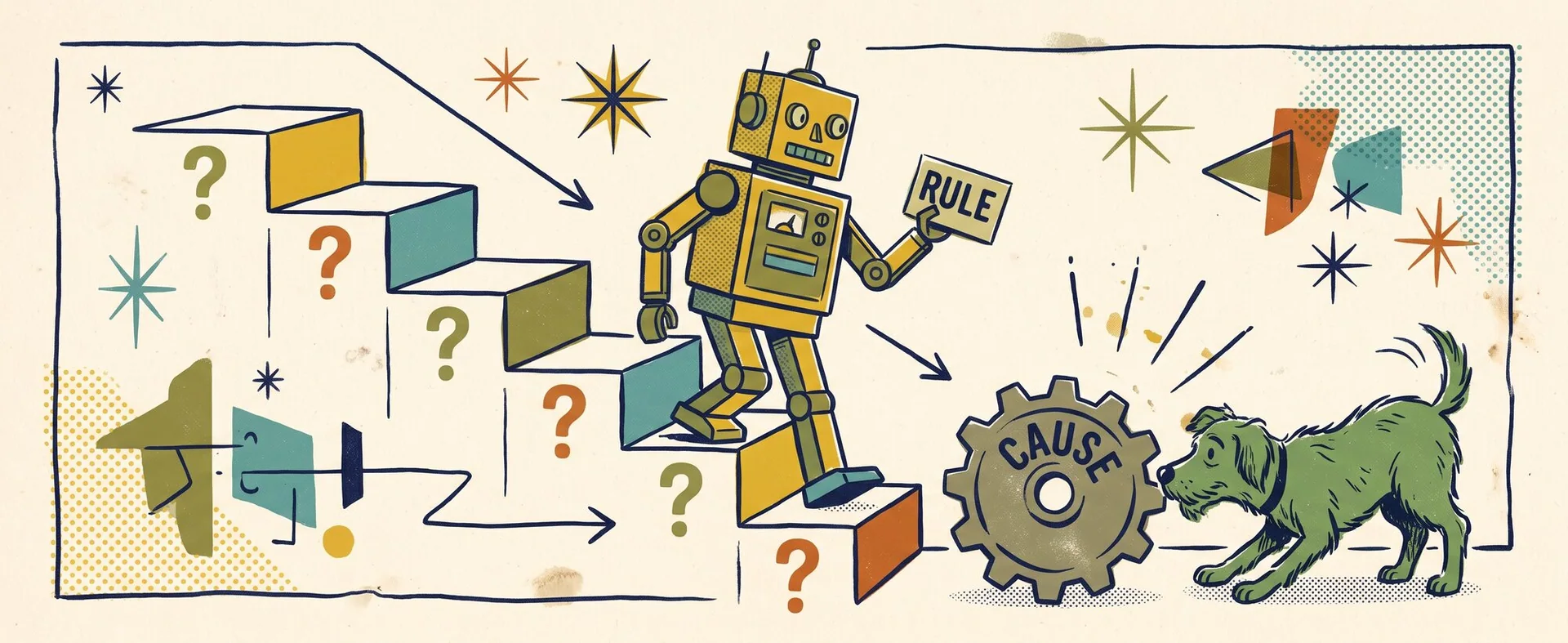
Five whys: stop your AI repeating the same mistake
A post-mortem prompt for the end of a bad AI chat: it asks why five times and gives you one rule to check before you paste it into your AI's instructions.
- Working with AI
Shared project instructions: one rulebook for your team's AI
Shared project instructions keep your team's ways of working and house rules in one document every AI reads: a Claude Project, ChatGPT project or Gemini skill.
- Working with AI
Use your Claude, Codex and Cursor usage limits before they reset
Each plan's allowance resets on its own schedule. Keep a list of donkey work for when you have plenty left, and save a limit reset for when you run short.
- Working with AI
Schools can't turn off Google's AI Overviews without losing Search
Schools can't switch off Google's AI Overviews for students without switching off Search. Students still need to learn to check sources: who teaches them?
- The Industry
Keep your site out of Google's AI Overviews and AI training
A Search Console setting keeps your site out of Google's AI Overviews; robots.txt rules keep it out of AI training. Your site is in both until you change them.
- Agents & Tooling
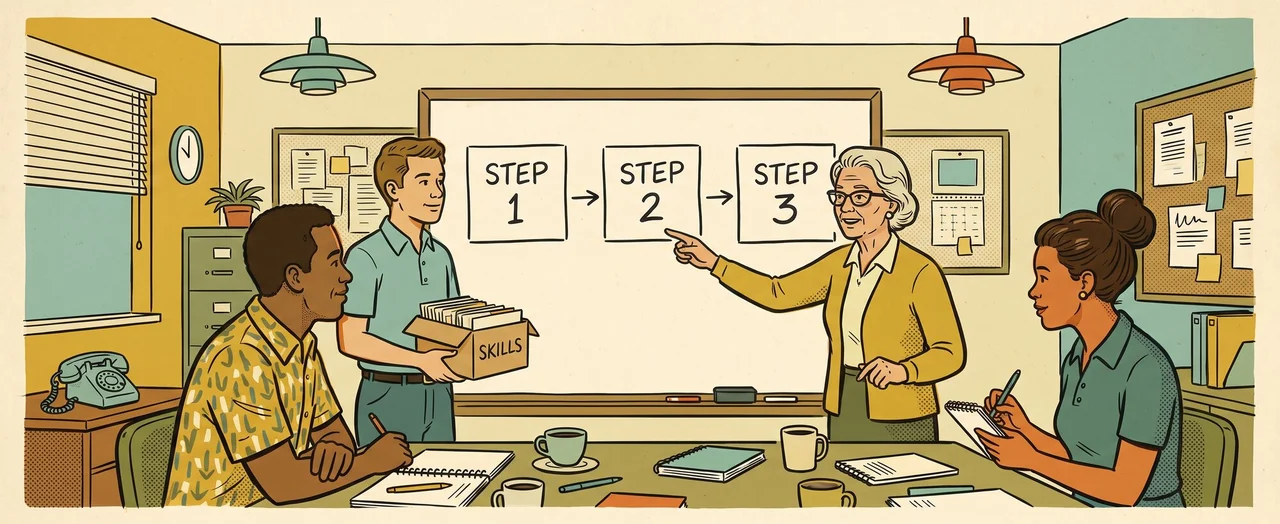
Skills, then agents, then context
Google is turning Gems into skills. If a big AI job overwhelms your team, break it into simple steps, write each as a skill, and put an agent in charge of running them.
- Working with AI
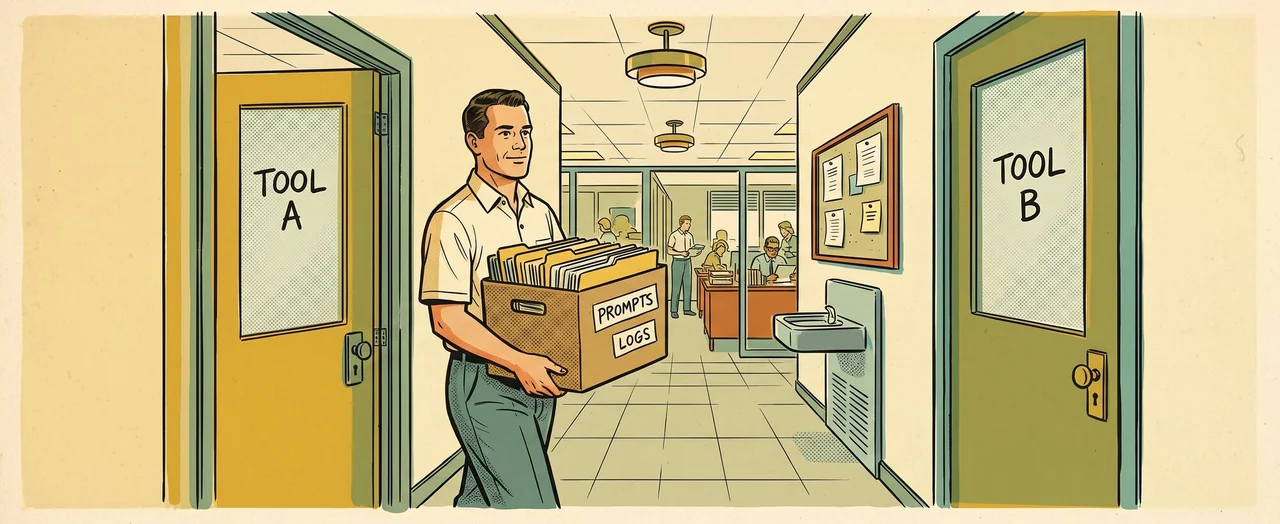
Loyal to your work, not your model
Google is turning Gems into skills. The AI tools you rely on will keep changing, so keep your prompts, skills, logs and chat summaries outside the chat, where you own them.
- Working with AI
Ask your AI to save its work as files
I've kept a daily log in a file since the early days of using models, so I can switch models or start a new chat and pick up where I was. Ask for your work as files, and keep them in named folders.
- Agents & Tooling
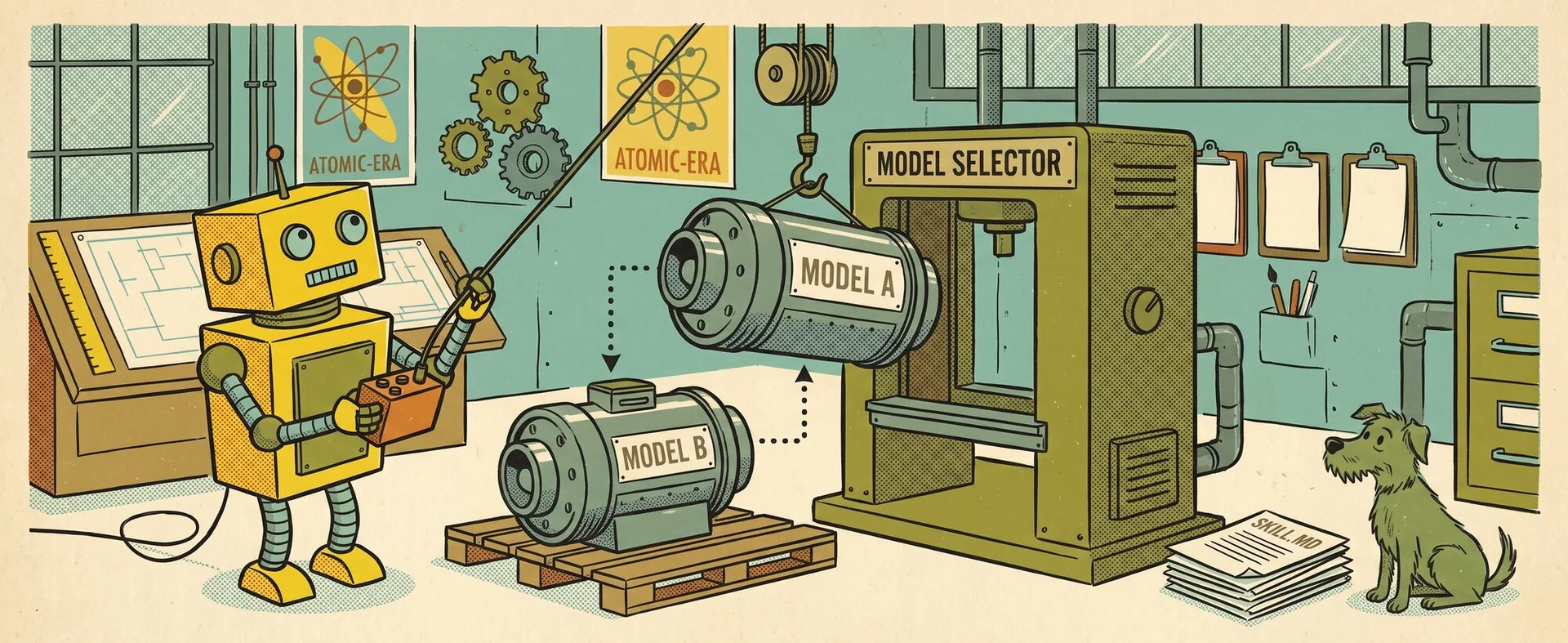
When Gemini Runs Claude, What Are You Buying?
Google’s workplace agent can use models from more than one provider. I want to know what happens to my instructions, files and work history when I switch.
- Agents & Tooling
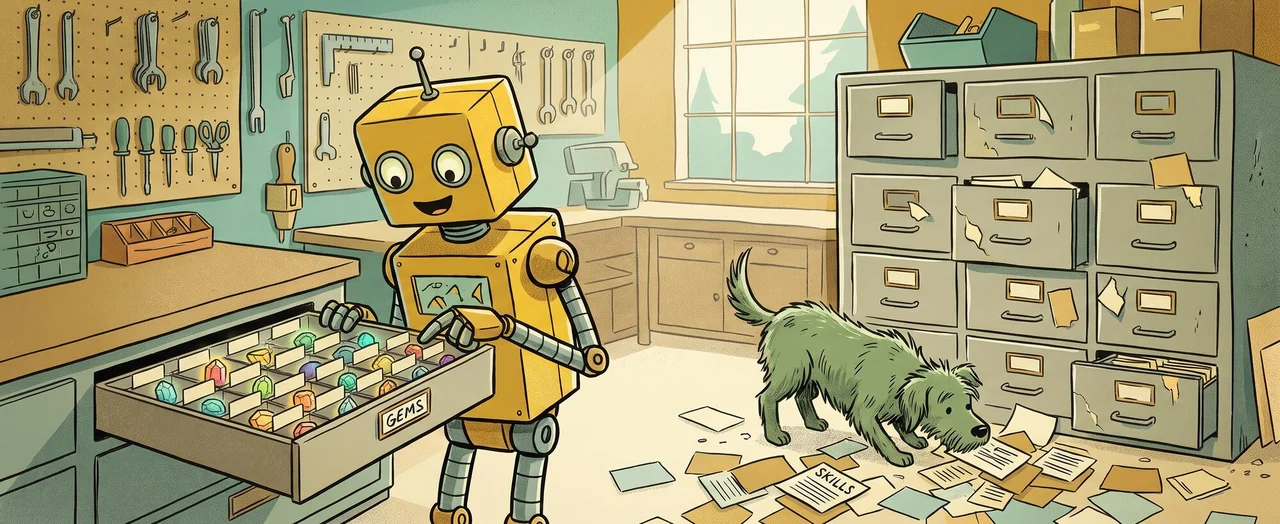
Gems Are Becoming Skills, but I Can Find My Gems, Not My Skills
I am using Gemini more and more for editorial and creative work. I like it for developing ideas and roughing out illustrations, while I tend to use other tools for purely operational jobs. That has meant spending quite a bit of time playing with Gems.
- Agents & Tooling
The difference between skills and context
A skill is the reusable instructions for doing a job. Context is the material that goes into this particular job. I use my one-panel cartoon Gem as the example.
- Agents & Tooling
Stupid Gemini Tricks: One Panel Comics
A quick and dirty Gemini Gem demo on creating one-panel comics.
- Security & Risk
Gemini’s saved instructions now carry across more Workspace apps
Google is extending shared preferences across Workspace. Users can save instructions in conversation, manage them in settings and see which shaped a response.
- Security & Risk
Google signed the letter asking for cyber-capable AI, then gated its cyber model
156 companies called for a surge in cyber defence on 27 August. On 2 September Google shipped its most capable security model to trusted defenders.
- Agents & Tooling
World models could widen the AI divide before they improve ordinary work
World models are far behind language models in deployment evidence, and their development could concentrate further.