Anthropic
Showing 1–20 of 57 posts
- One Prompt Well
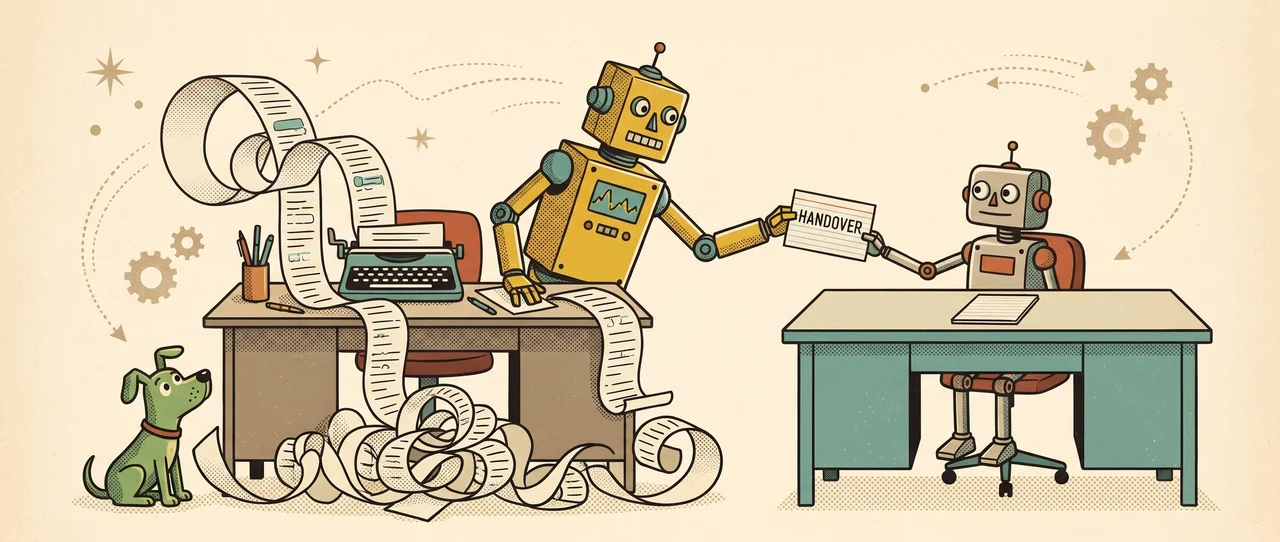
Move a long ChatGPT or Claude chat to a new one
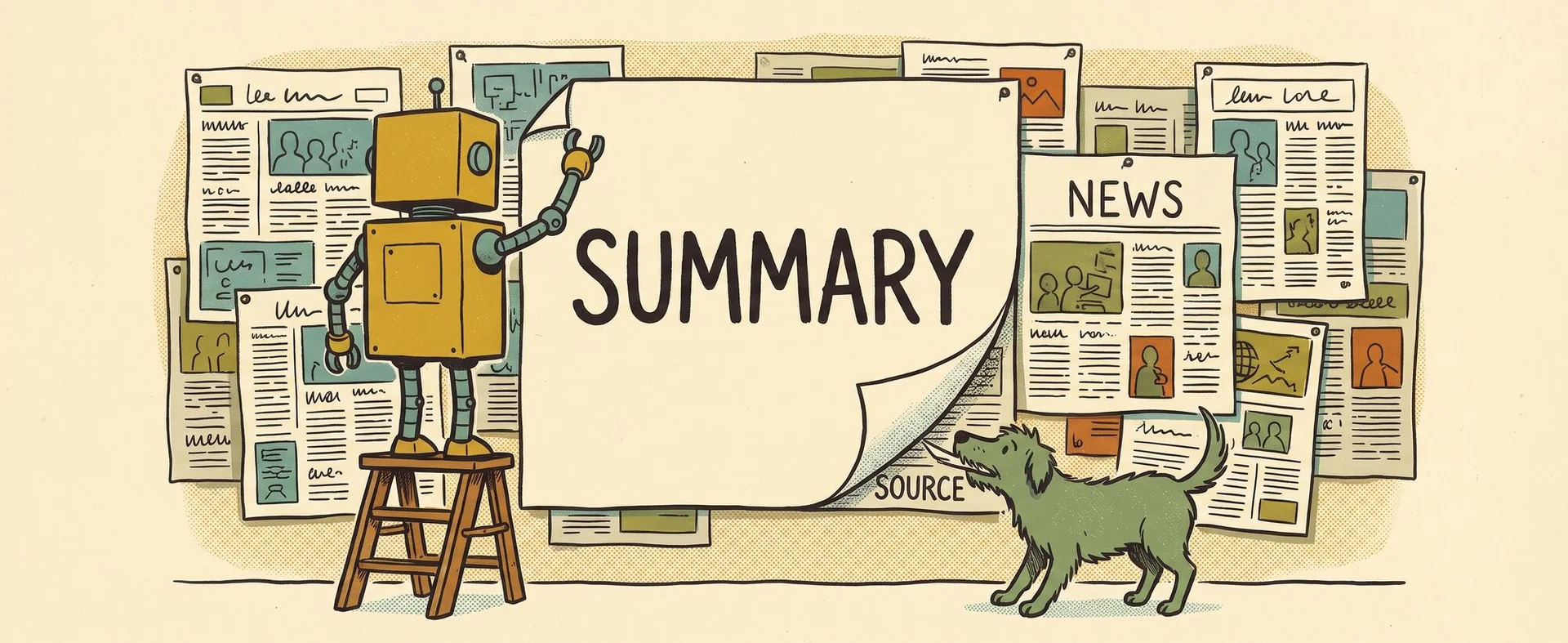
When a ChatGPT or Claude conversation gets too long, ask it for a short handover and paste that into a new chat, so the new one starts with only what it needs.
- One Prompt Well
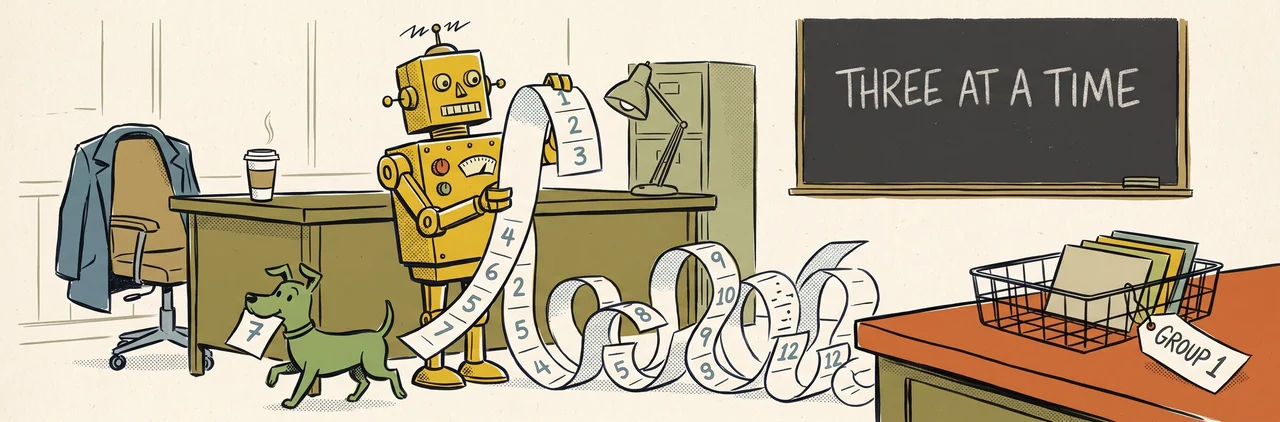
Paste this when ChatGPT or Claude asks too many questions
When ChatGPT or Claude answers with a pile of questions, paste this reply to get them in small groups by topic, and let it look up what it can find itself.
- Working with AI
Get Claude, ChatGPT or Gemini to explain it as a page
Claude artifacts, Gemini Canvas and ChatGPT can turn an answer you can't follow into a page you click through, with pictures for each step and a quiz.
- Agents & Tooling
Scheduled tasks in Claude, ChatGPT, Gemini and Copilot for a brag doc
Use a scheduled task in Claude, ChatGPT, Gemini or Copilot to list your week from your sent email and calendar, ready to paste into your brag doc.
- Working with AI
Hand AI work to a new chat or teammate with a short handover
Ask your AI for a handover in one format, keep that format in a Claude or ChatGPT project, and share daily logs so a new chat or a teammate's AI can carry on.
- Working with AI
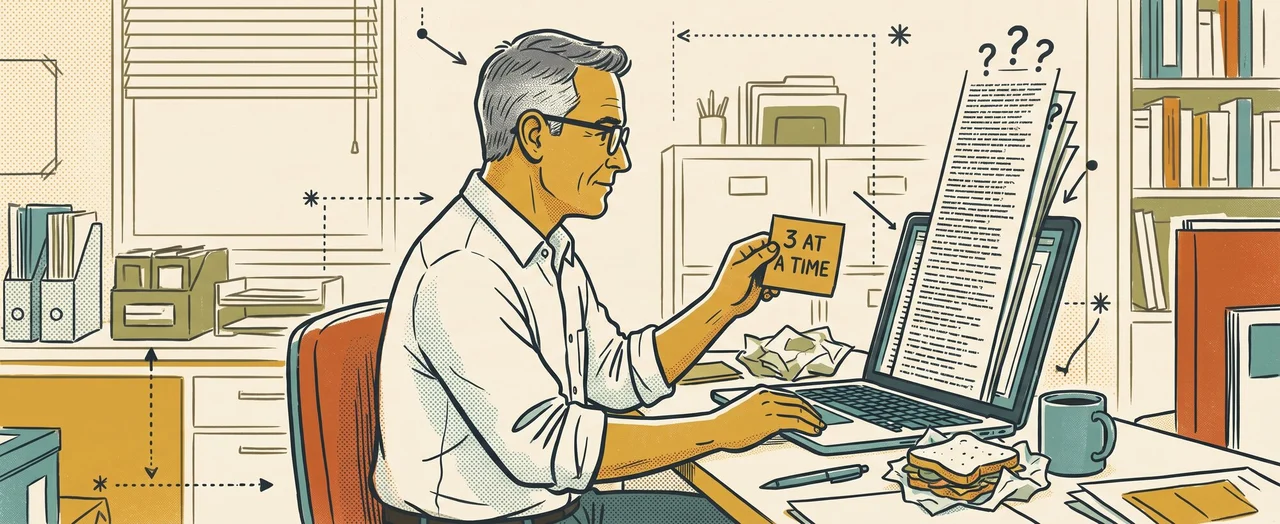
Custom instructions for when your AI asks too many questions
Paste-in lines for ChatGPT and Claude that make your AI ask in groups of three or fewer, each with a line on what it's about, so you can answer after a break.
- Security & Risk
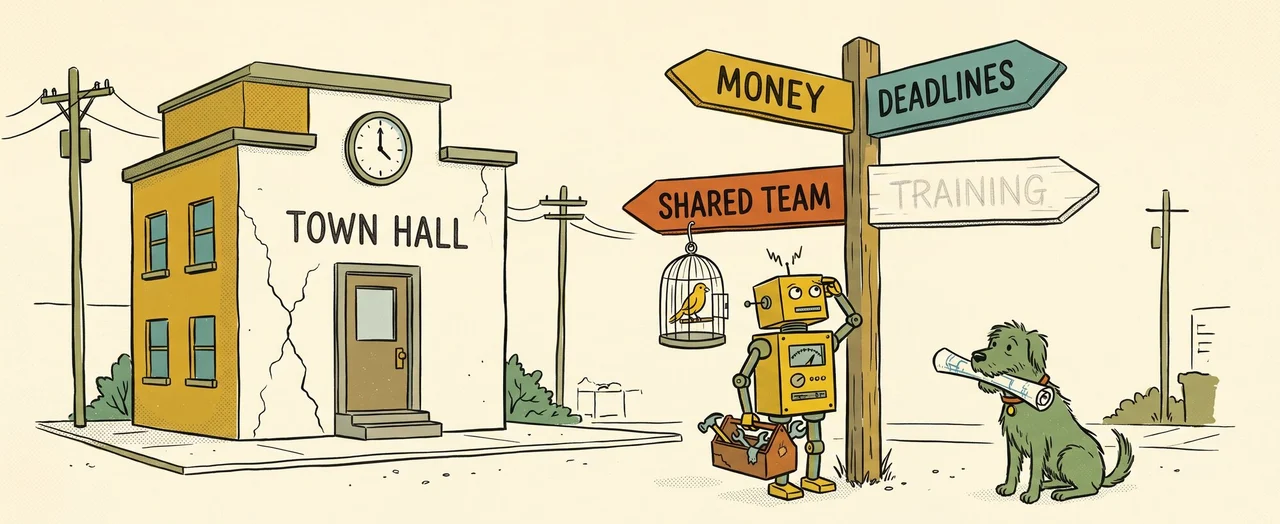
Local government cybersecurity: who fixes the flaws AI finds?
Each council and public body is responsible for its own security, and most help on offer is grant money. Ask who patches your town hall's systems, and how fast.
- Working with AI
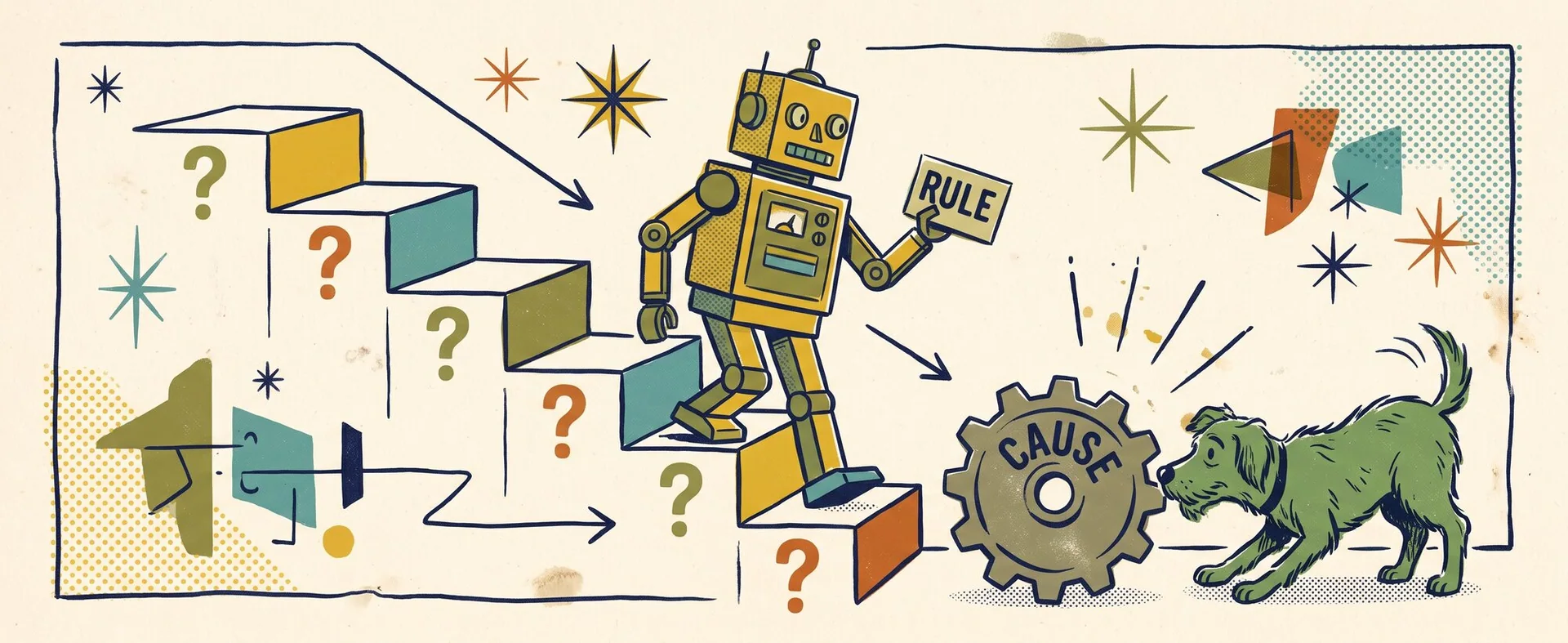
Five whys: stop your AI repeating the same mistake
A post-mortem prompt for the end of a bad AI chat: it asks why five times and gives you one rule to check before you paste it into your AI's instructions.
- Working with AI
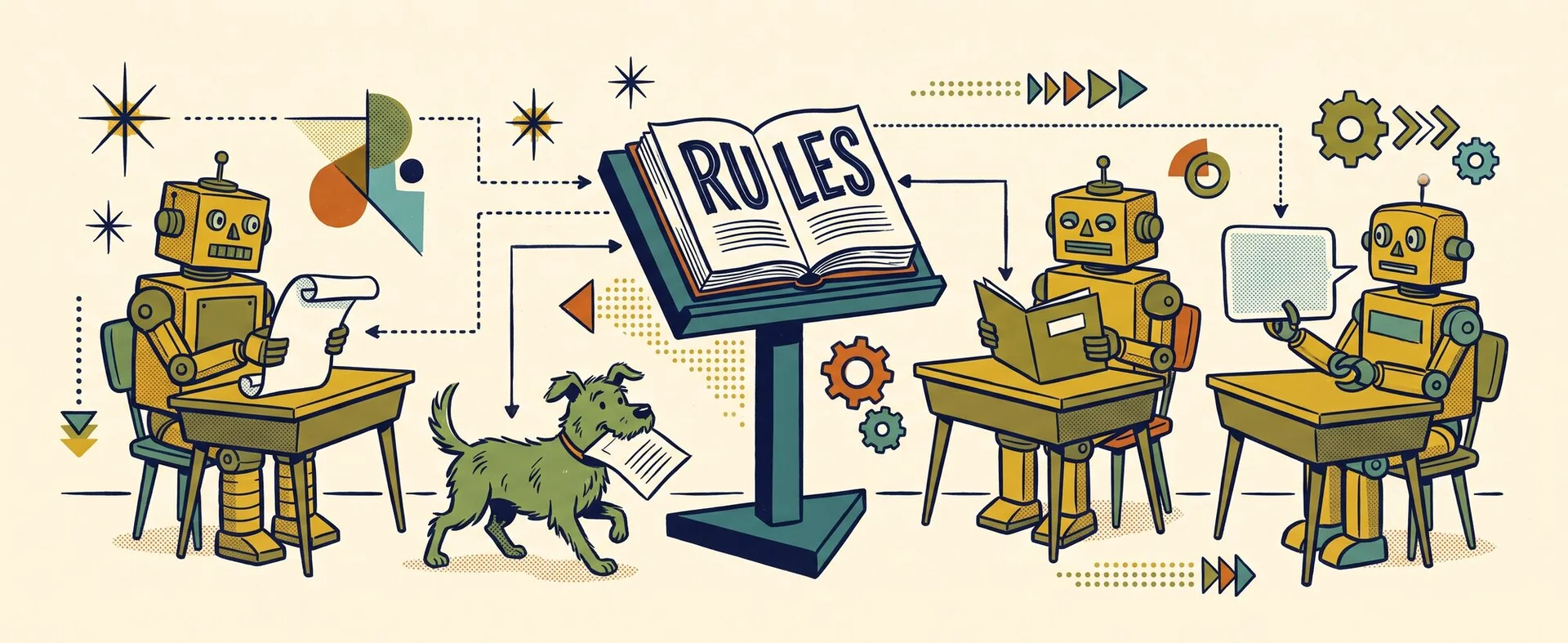
Shared project instructions: one rulebook for your team's AI
Shared project instructions keep your team's ways of working and house rules in one document every AI reads: a Claude Project, ChatGPT project or Gemini skill.
- Working with AI
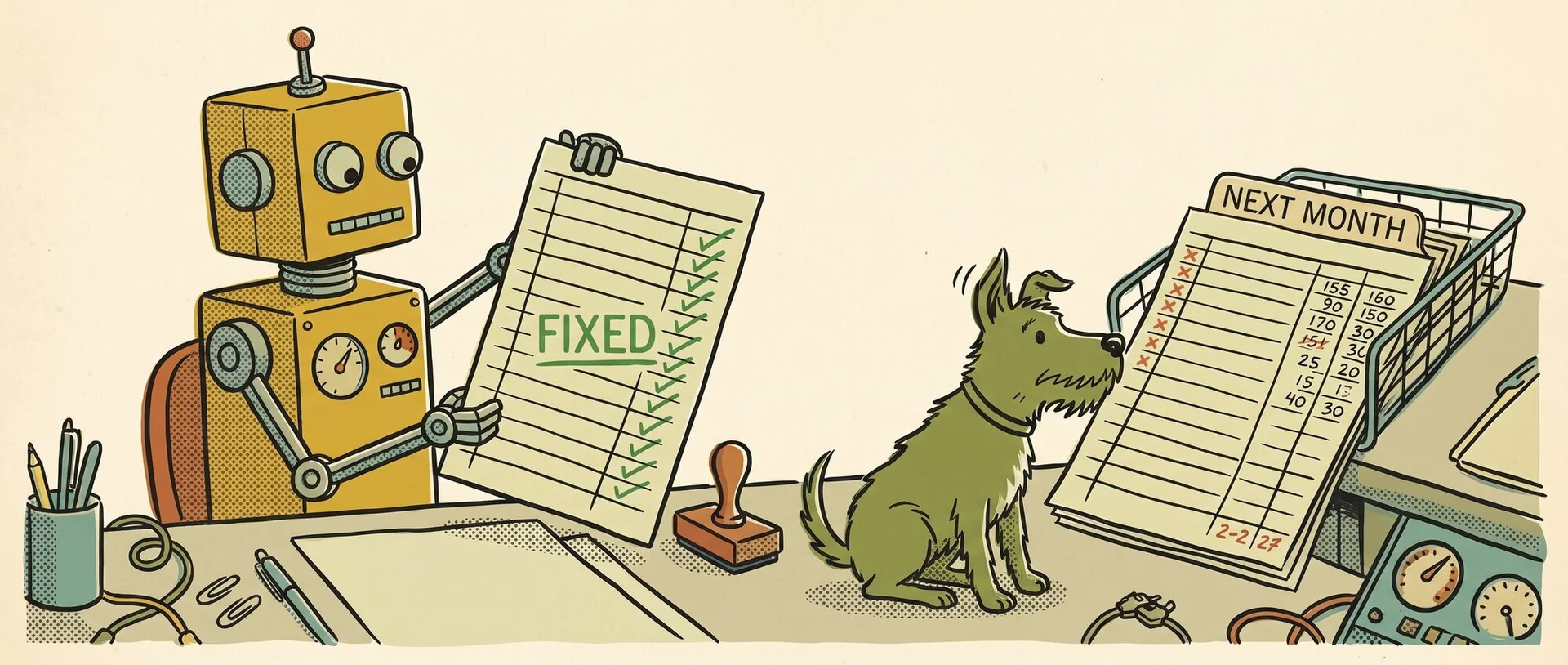
What to do when Claude says it's fixed, but it isn't
A new study shows why an AI's fix can match the examples it was checked on and still fail on new ones, and how to test a fix yourself before you rely on it.
- Security & Risk
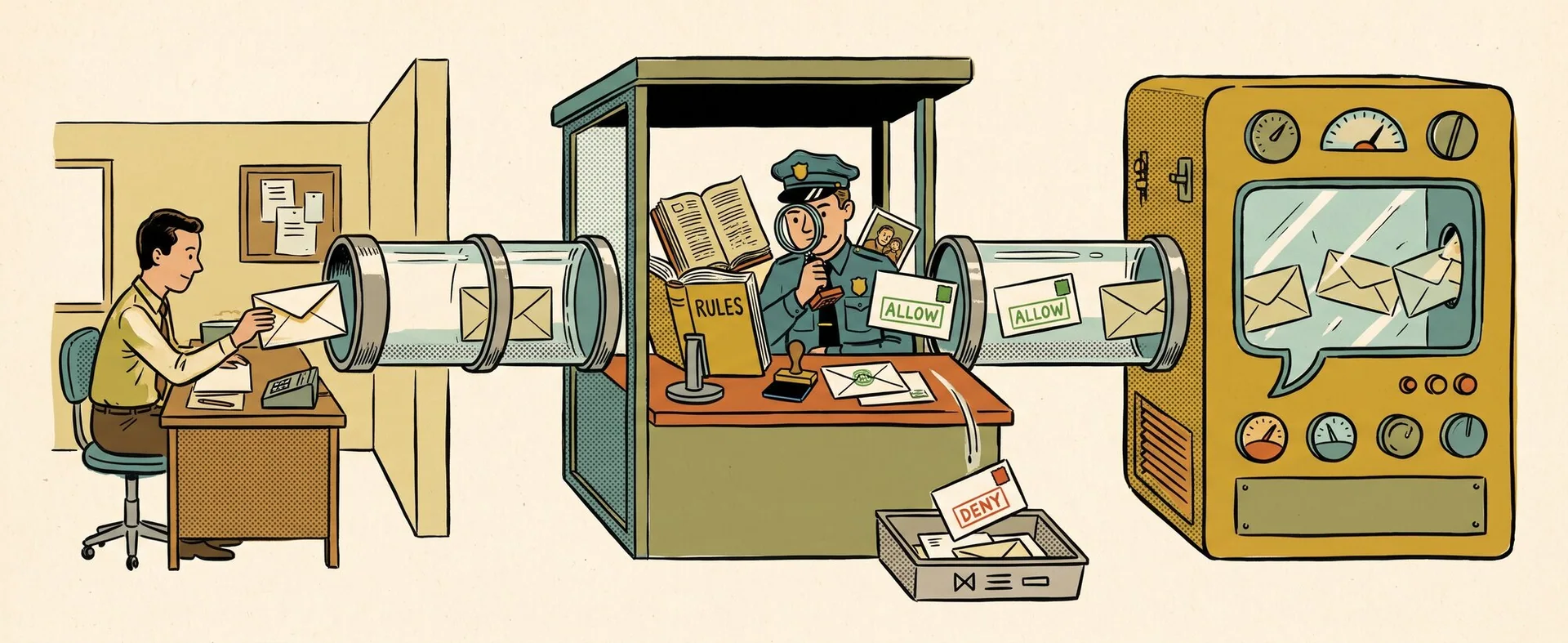
Claude Enterprise inference hooks: what they catch and miss
Claude Enterprise inference hooks send each prompt, and optionally each tool call, to your security server for an allow or deny. What they check and miss.
- Working with AI
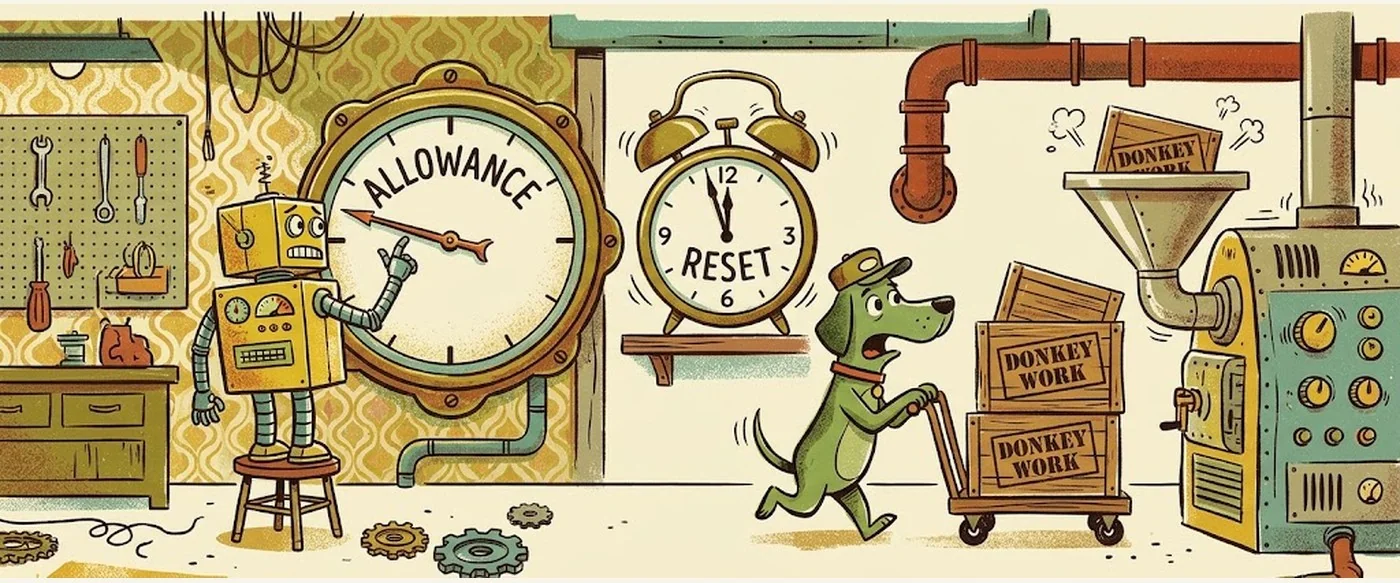
Use your Claude, Codex and Cursor usage limits before they reset
Each plan's allowance resets on its own schedule. Keep a list of donkey work for when you have plenty left, and save a limit reset for when you run short.
- Working with AI
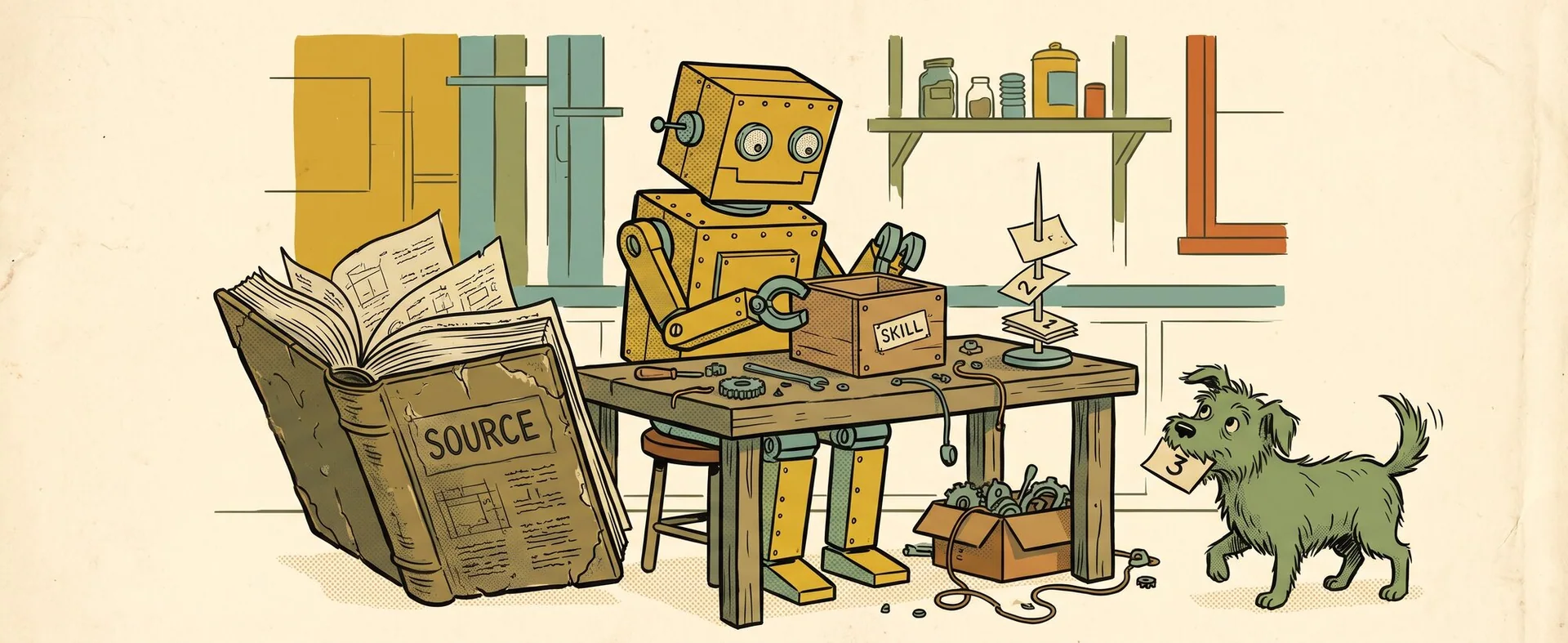
Create an AI skill from frameworks like the Eisenhower matrix
Start from a framework that hasn't changed in decades, like the Eisenhower matrix. Give the AI its Wikipedia link, then answer its questions one at a time.
- The Industry
Keep your site out of Google's AI Overviews and AI training
A Search Console setting keeps your site out of Google's AI Overviews; robots.txt rules keep it out of AI training. Your site is in both until you change them.
- Agents & Tooling
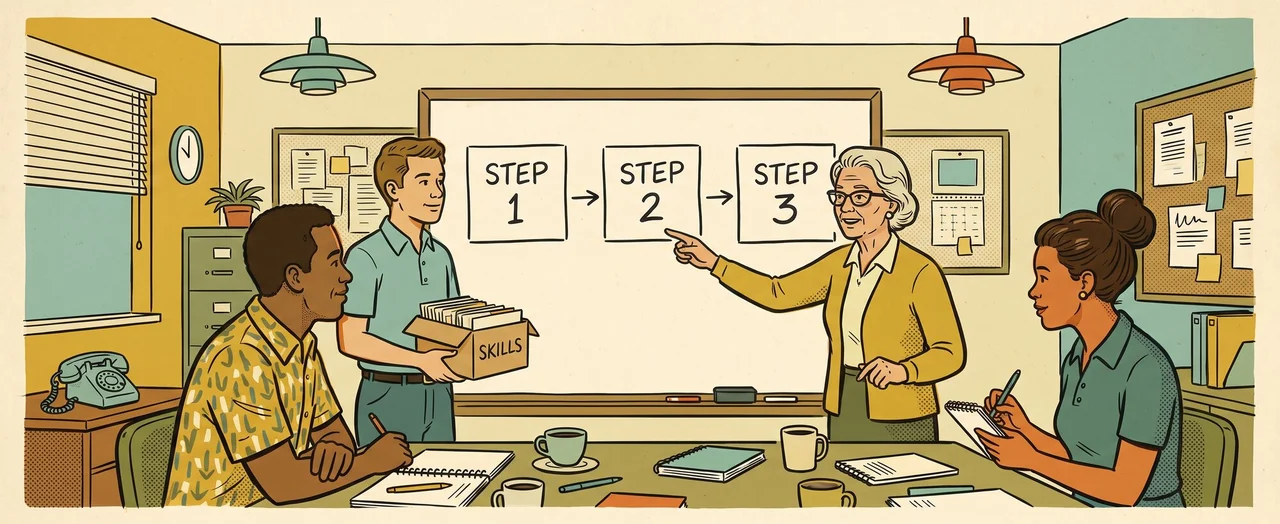
Skills, then agents, then context
Google is turning Gems into skills. If a big AI job overwhelms your team, break it into simple steps, write each as a skill, and put an agent in charge of running them.
- Working with AI
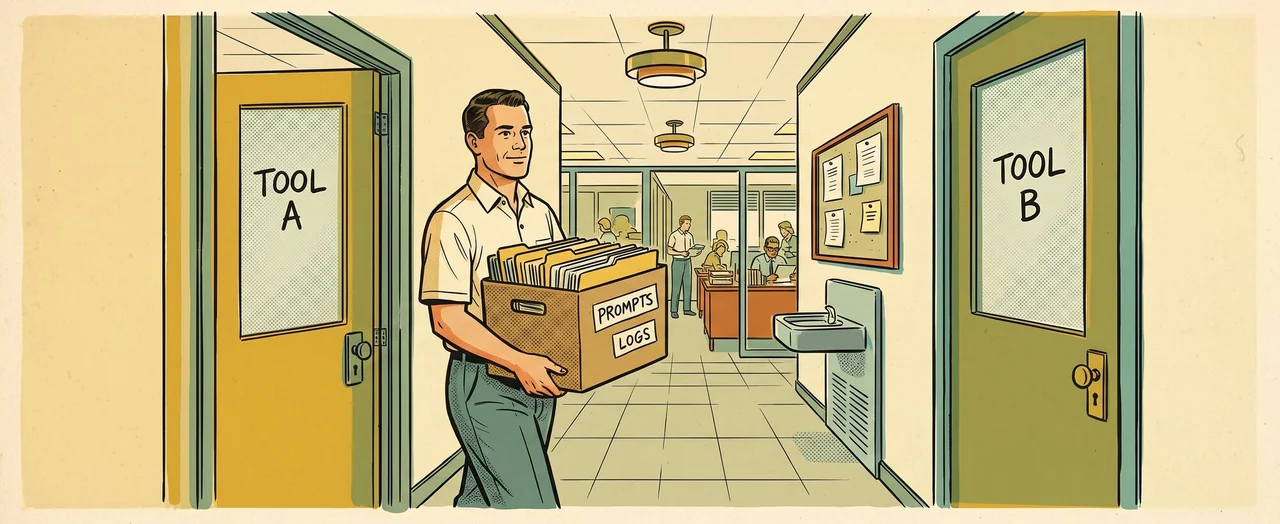
Loyal to your work, not your model
Google is turning Gems into skills. The AI tools you rely on will keep changing, so keep your prompts, skills, logs and chat summaries outside the chat, where you own them.
- Security & Risk
Whether we call it a hack or not
An AI model found a published way into Georgia's vote-count data and used it. Whether we call it a hack or not, a way in that hasn't been properly plugged can lead to more.
- Agents & Tooling
Steam saved a 60 fps cap for 112 games. The Performance panel still showed 144
An AI agent changed a setting on my Legion Go, and Steam's config file showed it saved. A screenshot of the settings panel showed it hadn't taken effect. Anything new or recently adjusted needs oversight.
- Agents & Tooling
Give a shared AI assistant a weekly checkup, and keep what it adds terse
Once a week, ask the assistant your team shares what would improve its instructions. Keep any rules it adds succinct, and give the bot two human owners.
- Working with AI
Ask your AI to save its work as files
I've kept a daily log in a file since the early days of using models, so I can switch models or start a new chat and pick up where I was. Ask for your work as files, and keep them in named folders.