beginner 25 minutes
What is a context window in Claude, ChatGPT and Gemini?
A context window is how much one AI chat can hold. See what fills it in Claude, ChatGPT and Gemini, and what to do when you get a 'context window full' notice.
You'll be able to
- Explain what shares one chat’s window, using what each product’s help page says.
- Pick the attachment most likely to use the most of the window before you upload it.
- Decide whether to trim the file, start a fresh chat, or put standing notes in a project, where several chats can share them.
- Copy the instruction that still matters and the passage you are working on into a new chat.
- Who it’s for
- anyone who uses Claude, ChatGPT or Gemini at work in the app or on the website. No technical background needed. If you want to know how the assistant picks its words, that is a separate guide: how LLMs predict the next word. This one starts from the chat you already have.
- Time
- about 25 minutes: 10 to read, 5 for the interactive and 10 for the exercise.
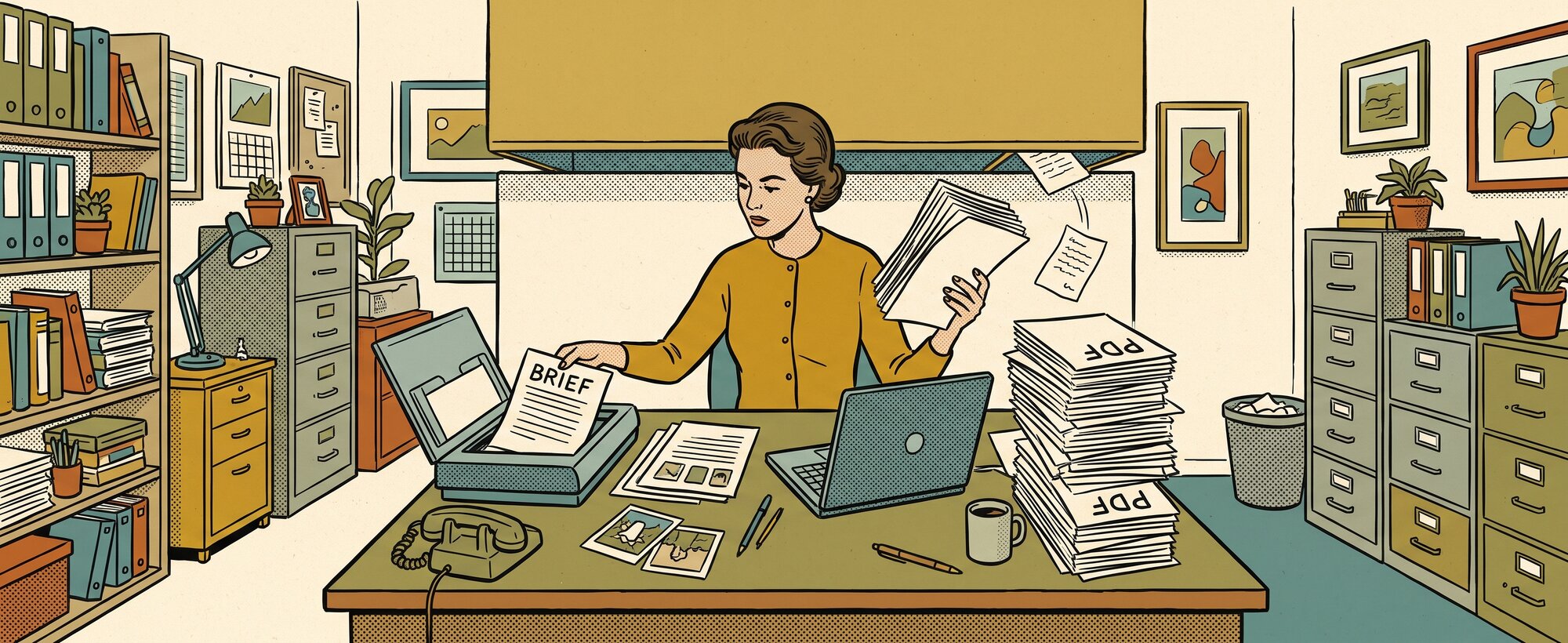
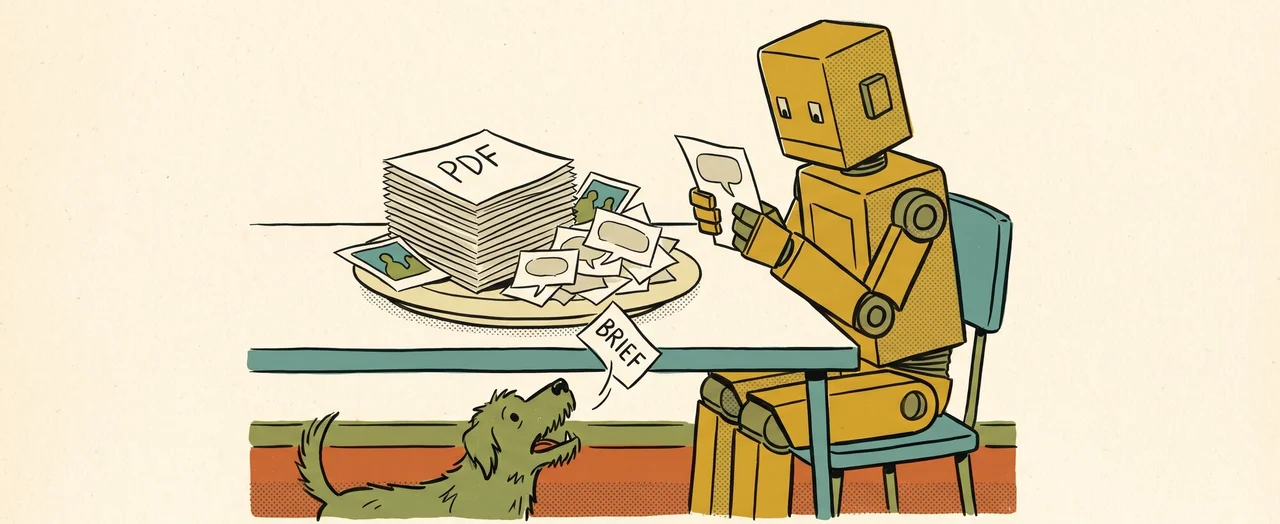
At some point we’ve all experienced our AI seemingly “forgetting” what it was asked to do in the first place. Say you paste a long brief into a chat and add a PDF and a few screenshots. An hour later, the assistant suggests something over the price limit you gave it at the start. Why did it forget the limit, and what do you do about it?
One likely cause is the context window: how much an assistant can work with in one chat. Anthropic’s help page calls it working memory (opens in a new tab). Your instructions, pasted text, uploaded files and the assistant’s replies all count toward it. The size differs by product and plan.
If you’d rather click through it than read it, Claude, ChatGPT and Gemini each built an interactive page on this idea for a post on asking your AI to explain things as a page. Try Claude’s (opens in a new tab), ChatGPT’s (opens in a new tab) and Gemini’s (opens in a new tab).
Part 1 of 4 Learn
What counts toward the window
Everything below shares the same window:
- Your messages and the assistant’s replies. On ChatGPT both take up space, and a few long exchanges can take more space than many short ones (opens in a new tab). There is no fixed message count.
- Project instructions and project files. In Claude, keep project instructions concise and put task-specific instructions in the chat. Anthropic says projects load only the relevant content into the window, and suggests removing files you are not using.
- Tools and connectors. Anthropic’s help pages say tools and connectors use a lot of space.
- Thinking. When the assistant thinks before it replies, that thinking uses window space too, and higher effort levels use more tokens. Anthropic lists turning extended thinking off and lowering the effort among the ways to make the most of the window and your usage.
- Uploaded files. Every file you attach uses space. Gemini’s page calls the window its reading capacity: how much content, uploads included, can be understood together at one time.
- Long pastes in ChatGPT. If you paste more than 10,000 characters, ChatGPT turns the paste into an attachment so it doesn’t fill the whole window. To put it back in the message, click Show in text field.
Window sizes are counted in tokens: small pieces of text, often a word or part of one.
InteractiveWhat shares this chat
Claude models with a 200K window on paid plans
About 7,100 of 200,000 tokens, 4% of the window. The biggest single item is one of the assistant’s replies.
- Standing instructionThe brief you gave at the start, about 500
- A 20-page PDFAbout 2,000 a page for the text alone, so 40,000
- A 1000 × 1000 pixel imageAbout 1,300 each
- Your messagesAbout 300 each
- The assistant’s repliesAbout 800 each
When a chat fills up
- Claude on paid plans with code execution on, summarises earlier messages as the chat nears the window, and a chat that triggers a summary uses more of your usage limit.
- ChatGPT says the context window is full and can offer a new chat with a summary, which can leave out an earlier instruction.
- Gemini responses past the window can fail to take all the content into account and miss connections or details.
The amounts are round illustrations. The PDF and image figures follow Anthropic’s developer documentation, and the apps may count differently.
How large each product’s window is
These figures were read from the vendors’ own pages on 3 November 2026, so check your plan’s page for anything newer.
| Product | Size depends on | What the page says |
|---|---|---|
| Claude, paid plans (Pro, Max, Ultra, Team, Enterprise) | The model | 1 million tokens on the newest models, and 500,000 or 200,000 on older ones. Anthropic puts 200,000 at about 500 pages of text or more. |
| Gemini, personal Google account | The plan | 32,000 tokens without an AI plan, 128,000 on AI Plus, and 1 million on AI Pro and AI Ultra. Google says 1 million tokens is up to 1,500 pages of text. |
| Gemini, work or school account | Your organisation’s Workspace licence | 32,000 or 1 million tokens, depending on the licence. |
| Gemini Deep Think | The mode | 192,000 tokens. |
| ChatGPT | Not published for the current models | No window size for regular chats. The last published figure, 256,000 tokens when you pick the Thinking model yourself (February 2026), predates the current model menu. |
| Copilot | Not published | No window size. Uploads are capped at 20 files a conversation, 50 MB each. |
The figures come from Anthropic’s page on paid-plan context windows (opens in a new tab), OpenAI’s ChatGPT release notes (opens in a new tab), Google’s Gemini Apps limits page (opens in a new tab), its work and school page (opens in a new tab), its file upload page (opens in a new tab) and Microsoft’s file upload page (opens in a new tab).
Which attachment takes the most space
A PDF or a long pasted file can take more of the window than many messages. The consumer help pages give no token price for one image, one PDF page or one pasted link inside the app. To judge which attachment is largest, count the pages of a PDF, compare the length of pasted text, and remember that images count too. Each product’s page says this about files:
- Claude chat. A PDF of 100 pages or fewer is read for text and visuals. A PDF of 101 to 1,000 pages is read as text only. Other document types are text only. On paid plans, a project that nears the window switches to retrieval: it loads only the relevant parts, so it can hold up to about ten times more.
- ChatGPT. A PDF attached to the chat can be read for text and images, charts included. A file saved as a project file or as GPT knowledge may leave the embedded images out. The file uploads page (opens in a new tab) caps text and document files at 2 million tokens each. That is an upload limit, so it doesn’t mean a whole file goes into the chat at once.
- Gemini. The window measures uploaded-file content. A window that is too full can miss details, mostly when the answer depends on many details scattered through large files.
In Anthropic’s API figures, a typical screenshot takes fewer tokens than a typical PDF page. A dense PDF can fill the window before it reaches Claude’s 1,000-page limit. These are API numbers, and the app may count differently, but a PDF page is still the safer guess for the biggest item.
For the technically curious: API figures
Anthropic's paid-plan page gives 1 million tokens to the newest models, 500,000 to Fable 5, Opus 4.6 to 4.8 and Sonnet 4.6, and 200,000 to the others. Two notes from Anthropic's help pages: Claude always reserves a portion of the window for its response, so the longest conversation is slightly smaller than the full window. On Opus 5.5 and Fable 5.1, thinking is always on, so only the effort level can be lowered.
The figures below come from Anthropic's developer documentation for the API that programmers use, which says the system prompt, every message, tool results, images, documents and the model's thinking all count. The app's own counting may differ. A PDF page (opens in a new tab) typically takes 1,500 to 3,000 tokens for its text, depending on density. Each page is also processed as an image. An image (opens in a new tab) generally costs more tokens as it gets larger, up to the size limit. A 200 by 200 pixel picture is 64 tokens and a 1000 by 1000 pixel picture is 1,296.
The same Claude model can have a different window in a different place. Claude Code and Claude Cowork have their own tables on Anthropic's page. The developer API lists 1 million tokens for Fable 5, Opus 4.8, Opus 4.7, Opus 4.6 and Sonnet 4.6, where the paid-plan chat page says 500,000. A figure applies only to the product or app where its page states it.
To see how a brief, a PDF and a few screenshots add up, pick your assistant and add them to one chat.
The window sizes are from each product’s help pages, read on 3 November 2026. The size of each item is a round illustration.
Will it fit?
Pick the assistant you use, then add what you would put in one chat and the bar shows how much of the window it takes.
Fits. About 500 of 200,000 tokens, under 1% of the window.
Add to the chat
Typed brief: about 500 tokens · Pasted document: about 10,000 tokens · PDF: about 2,000 tokens a page · Screenshot: about 1,300 tokens · Long chat history: about 60,000 tokens
In this chat
That’s as many items as this meter holds. Remove one to add another.
When the window is nearly full
- Trim the file. Choose the pages that matter and paste them in as plain text, instead of attaching the whole file.
- Start a fresh chat. Copy the instruction that still matters and the passage you are working on into a new chat.
- Put standing notes in a project. Put rules you want in every chat in a project, and keep the instructions short.
The item sizes are round illustrations. The PDF and screenshot figures follow Anthropic’s developer documentation for the API, and the apps may count differently.
What Claude, ChatGPT and Gemini do with a long chat
| Product | What the help page says happens | What it suggests you do |
|---|---|---|
| Claude | On paid plans with code execution turned on, Claude summarises earlier messages as the conversation nears the window, and keeps the full chat history so it can still refer to it. Anthropic says code execution must be on for this to work. Longer chats that trigger a summary use more of your usage limit. Anthropic adds that in rare cases, such as a very large first message, you can still hit the window. | Keep project instructions concise, remove files you are not using, and turn off tools and connectors you don’t need. |
| ChatGPT | A “context window full” notice means the conversation has used the space available. The limit applies to this conversation only. If it offers to start a new chat with a summary, the summary can bring some context across and can leave out an earlier instruction or the exact wording of something you wrote. | Paste the passage you still need into the new chat. On Free you can start a new chat straight away, and you can still read and copy from the old one. |
| Gemini | Past the window, responses could fail to take all the content into account, or miss connections or details. | Start a new chat when you change topic. |
Claude’s developer documentation says accuracy drops as the token count grows. A 2023 study (opens in a new tab) of the models available then found they often made the least use of material in the middle of a long input. An instruction that ends up buried mid-chat can be missed before the window is full.
The usage limit is a separate budget
A long chat can use up your usage limit faster, and waiting for the limit to reset does not remove anything from the chat. Claude and Gemini both publish a usage limit that sits beside the window, on its own timer. On paid Claude plans there is a session limit that resets every five hours, plus weekly limits. Verified Ultra accounts have no five-hour limit. Claude.ai, Claude Code and Claude Desktop all count toward the same usage limit. Gemini’s limits refresh every five hours, up to a weekly cap, and depend on prompt complexity, the models and features you use, and the length of the chat.
On Gemini, a long chat costs more usage, because it reads the whole history again each time.
Work through the price-limit example
- List what is in the chat: the brief with its price limit, the 40-page PDF, the screenshots, an hour of messages back and forth and the assistant’s longer replies.
- Mark the biggest item: the PDF, because a typical PDF page takes more space than a typical screenshot. At 40 pages, Claude reads it for its pictures as well as its text.
- Choose a move: trim the PDF to the pages that matter, and leave the rest in the old chat.
- Start a new chat: paste the price limit, the brief, the passage you are working on and the trimmed pages into it.
Part 2 of 4 Practise
Try it on your own work
You need your long chat open. Each step ends with what you should see.
- List what is in the chat: the first instruction, the later turns, any files or screenshots, and the assistant’s longer replies.Result a short list of what is in the window.
- Mark the item that probably takes the most space: count pages for files and length for pasted text.Result one item marked, with a note of how many of its pages you actually used.
- Choose one of three moves for that item: trim it to the pages that matter, leave it in the old chat, or move it into a project if you will need it again.Result a decision for the item, and a shortlist of pages if you trimmed.
- Copy the instruction that still matters and the passage you are working on into a new chat, with the trimmed pages if there are any.Result an answer that works from that passage and keeps to your original instruction.
Part 3 of 4 Check
Check yourself
You've only typed a few short messages, and the chat shows a "context window full" notice. Name four other things that could be using the window.
Any four of these: the assistant’s replies, project instructions and project files, tools and connectors, the assistant’s thinking, and uploaded files.
A colleague attaches a 40-page catalogue PDF and three screenshots to a Claude chat that already holds the brief. What do you tell them to do first?
Trim the catalogue to the pages that matter and paste those into a fresh chat with the brief. At 40 pages, Claude reads the PDF for its text and its visuals. So the pages they don’t need still add to what the chat has to hold.
The assistant stuck to your price limit for an hour, then suggested something over it. What do you check, and what do you do next?
Either the limit is buried mid-chat, where models often make less use of what you said, or the chat was summarised and the summary left it out. Look for your price limit in the chat, then type it again in your next message, for example: “Remember, nothing over €500.” If the chat is long, start a new one and paste in the limit and the part you’re working on.
You want the same rules on every new chat: the budget, who it is for, what to leave out. Where do those rules live, and what goes in the chat?
Standing rules go in a project, which Claude and ChatGPT both have. The chat gets the task and the passage for this run.
A colleague trims their typed questions to save space but keeps three screenshots, a tool connector and a project file switched on. What have they missed?
Typed questions are only one part of what the window holds. The screenshots, the connector’s results, the project file and the assistant’s own replies and thinking all count too, so those are the places to trim.
A teammate says, "I'll wait five hours for the window to reset." What would you tell them?
The five-hour timer applies to the usage limit, which is a separate budget. The window applies to one conversation, so waiting for the timer does not change what is in the chat.
Part 4 of 4 Keep
Keep this
Trim the file, then start a fresh chat
- Trim before you upload. Choose the pages that matter and paste them in as plain text, instead of attaching the whole file.
- Give each topic its own chat. Gemini’s page says to start a new chat when you change topic, so it does not re-read a long history.
- Keep standing rules out of the running chat. Put them in a project, and keep the instructions short.
- Carry only what you need. Copy the instruction that still matters and the passage you are working on into a new chat.
- Keep the old chat. In ChatGPT you can still read it and copy from it. Claude keeps the full history when it summarises, if code execution is on.
- Switch off what you are not using. Tools and connectors use a lot of tokens, and unused project files take space. Lower the effort when the task is routine.
In the Members Library (opens in a new tab), members can get a fresh-chat handover prompt that carries the instruction that still matters and the passage you are working on into a new chat. There’s also a project-notes template for standing rules.
Read next
- Get Claude, ChatGPT or Gemini to explain it as a page shows how to ask your assistant to explain something as a page you can click through, with a quiz at the end.
- Happy Birthday, Dear… how LLMs predict the next word covers how the assistant chooses each word it writes.
- Skills, then agents, then context puts context in order with skills and agents. This guide starts where that post stops.