The AI Download #022
May 2nd, 2025
Dear Reader,
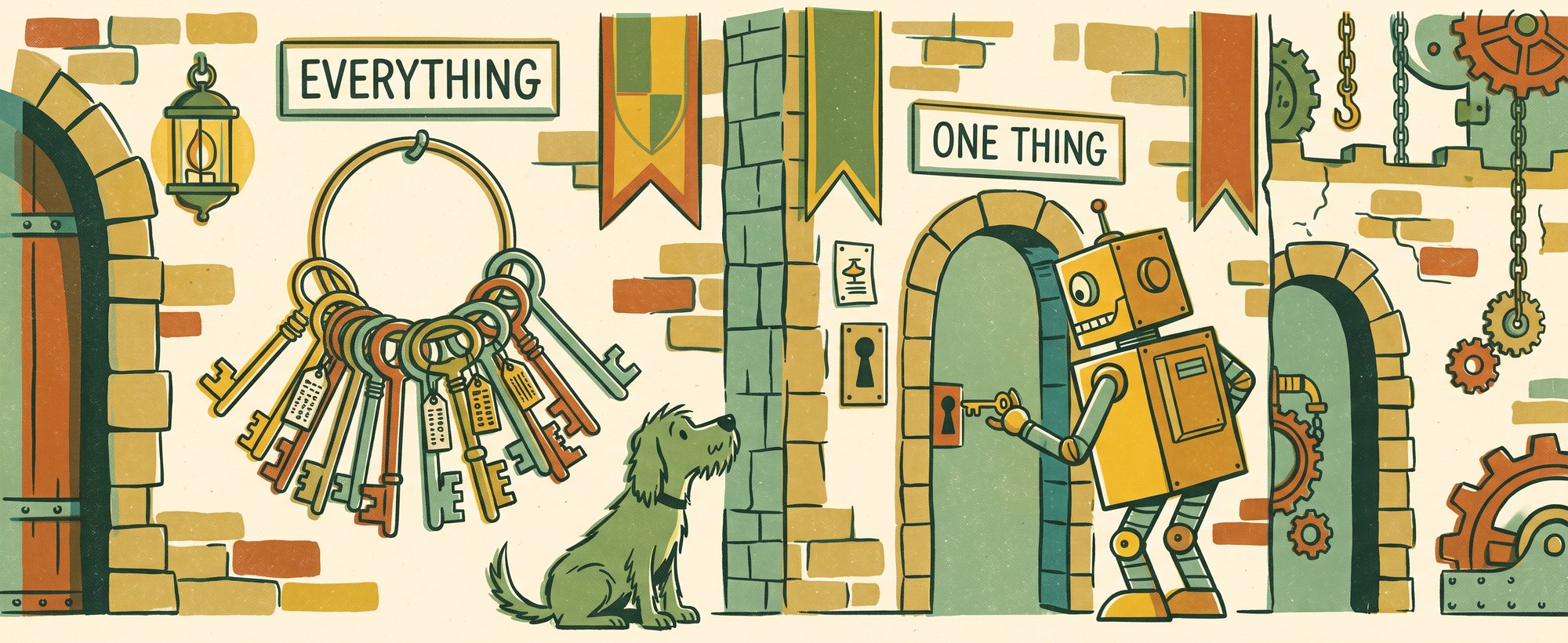
I used to think building a great AI assistant meant covering everything: Project planning. Writing help. Scheduling. Notes. Outreach. You name it.
So I built one that could technically do it all…and I barely used it.
Turns out, what I actually needed wasn’t a chatbot—it was a shortcut. Something focused. Clear. A tool that saved me time on one thing I always put off.
There’s a kind of fatigue that sets in when you’ve tried too many tools. The dashboards, the feature lists, the “AI-powered” everything—it’s a lot. And it’s easy to lose the thread. But the truth is, most of us don’t need AI to do everything.
We just need it to do one thing well.
Like rewriting a newsletter intro.
Or giving you three solid tweet drafts from a blog post.
Or summarising a 30-minute meeting into a checklist.
The best AI tools aren’t built to impress. They’re built to reduce friction.
And what they can’t do?
They can’t decide what matters to you.
They can’t pick your priorities.
That part still belongs to you.
So here’s something simple to try this week:
- Pick one task that you’ve been avoiding.
- Ask: what would the simplest shortcut for this look like?
- Don’t overbuild. Start with that.
No need to launch a full agent, no need to automate the entire workflow. Sometimes, one small shortcut makes a bigger difference than a dozen “smart” tools.
Confused Where To Start?
There are thousands of GPTs available in the ChatGPT Store, and you can start using them for free. Here are a few popular ones that might help:
Write For Me (Link (opens in a new tab))
A content creation assistant that helps generate tailored, engaging content with a focus on quality and relevance. Ideal for drafting articles, emails or social media posts.
Scholar GPT (Link (opens in a new tab))
Enhances research by providing access to over 200 million resources, including Google Scholar, PubMed, bioRxiv, and arXiv. Useful for students, researchers, and anyone needing academic information.
Consensus (Link (opens in a new tab))
Allows users to chat directly with scientific literature, offering simple explanations and article summaries backed by academic papers. Beneficial for quickly understanding complex scientific topics.
Canva GPT (Link (opens in a new tab))
Integrates with Canva to help design presentations, logos, social media posts, and more. Suitable for users looking to create visual content effortlessly.
GPT Store Finder (Link (opens in a new tab))
A tool to help discover the best custom GPTs for specific projects by collecting data about public GPT models and ranking them. Ideal for users seeking specialised GPTs tailored to particular tasks.
You can explore these and more at the ChatGPT Store (opens in a new tab).
Using ChatGPT to Untangle My Web Hosting Costs
I used ChatGPT to help me sort through years of messy web hosting choices, old invoices, and forgotten services. It wasn’t about automation — it was about thinking clearly, with a bit of AI help. Here’s how it helped me get untangled.
Read more (opens in a new tab)
📣 Quick heads-up: A new name, same mission
Starting next week, this newsletter will be called Signal Over Noise.
Why the change? Because that’s what I’m here to do—filter out the noise and share the tools, workflows, and insights that actually move the needle. “The Download” and subsequent “The AI Download” were always just working titles until I found my flow.
Still focused on AI, automation, and time-saving ideas for solo creators—just with a name that better reflects the goal.
Thanks for reading, as always.
Jim
Made with ❤️ in Valencia by Jim Christian (opens in a new tab). For feedback, please reach out to hello@jimchristian.net.
