The AI Download #020
April 18th, 2025
Dear Reader,
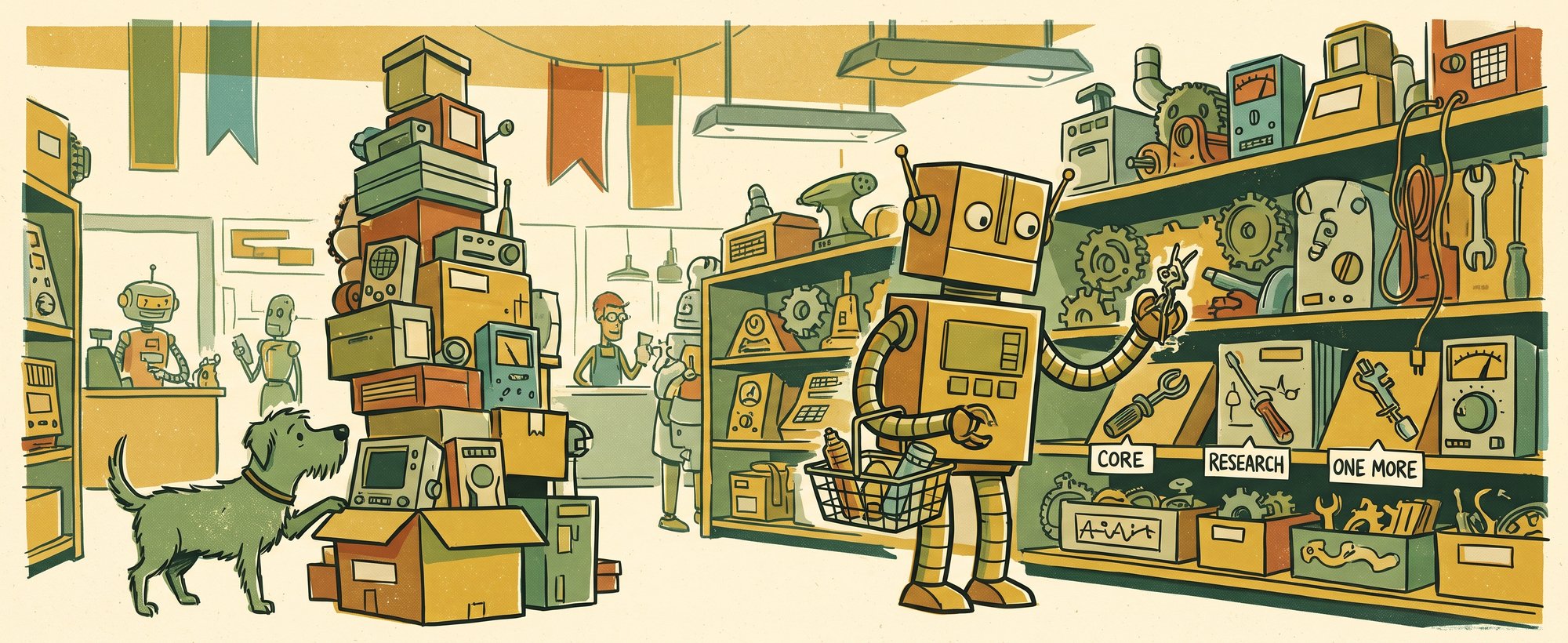
Let’s be honest: the AI tool landscape in 2025 is a mess.
Every week, a new “game-changing” tool drops. One promises to write better than Hemingway. Another will build you a SaaS in your sleep. Before you’ve even tried one, five more show up on Product Hunt with cooler branding and a “lifetime deal.”
It’s exciting.
It’s overwhelming.
And it’s kind of exhausting.
Here’s the truth: you don’t need all of them.
You just need a few that save you real time—and that you’ll actually use.
Here’s a simple approach that’s been working for me:
- 🧠 Pick one core AI assistant — ChatGPT, Claude, or Gemini (opens in a new tab).
- 🔍 Add one for factual research — Perplexity (opens in a new tab) is my go-to, but DeepSeek (opens in a new tab) is also a contender. ChatGPT’s just not there yet.
- 🧰 Maybe one or two for specific workflows — like voice (ElevenLabs (opens in a new tab)), video (Synthesia (opens in a new tab)), or search (NotebookLM (opens in a new tab)).
- 💾 A place for all your stuff — Cloud storage for files (Google Drive (opens in a new tab), OneDrive, Dropbox (opens in a new tab)), and a database / personal knowledge
- 🦾 (Optional) An automation platform — like Make.com (opens in a new tab), IFTTT (opens in a new tab) or Zapier (opens in a new tab) — to link your tools together.
That’s it.
Ignore the noise. Stick with what works. Save your energy for creating.
More tools will come. Most won’t stick. But your workflow? That’s what matters.
ChatGPT Gets a Memory Upgrade
OpenAI has rolled out a significant upgrade to ChatGPT’s memory capabilities. Previously, ChatGPT’s memory was limited to the current session unless information was manually saved. Now, it can access your entire chat history across sessions, enabling it to personalize interactions based on cumulative conversations. This persistent memory allows ChatGPT to maintain context, recall preferences, track projects, and provide more meaningful, adaptive responses.
For instance, if you’ve discussed dietary preferences or specific project details in past conversations, ChatGPT can now incorporate that information into its responses without needing to be reminded each time. This enhancement transforms ChatGPT into a more intuitive and personalized assistant, streamlining your interactions and saving you time.
You can manage this feature by accessing the memory settings in ChatGPT, where you can view what it remembers, make adjustments, or disable the memory function entirely if you prefer.
Have you asked ChatGPT about your blind spots yet?
I Asked OpenAI’s New Terminal Agent To Fix My Media Server
Among the many announcements from OpenAI this week, one quietly brilliant tool stood out: Codex CLI (opens in a new tab) — a coding agent you run directly in your terminal.
Naturally, I pointed it at something annoying: my local media server config that I’ve been tweaking for months.
Read more (opens in a new tab)
Tool of the Week: Perplexity…in Telegram
Perplexity AI has become an indispensable tool for factual research and quick answers. Now, it’s even more accessible with its integration into Telegram. This means you can harness the power of Perplexity directly within your chats, making information retrieval seamless and efficient.
Here’s how you can get started:
Official Perplexity Telegram Bot: Engage with Perplexity AI directly in Telegram via the @askplexbot (opens in a new tab). This bot combines the capabilities of GPT-4 Turbo, DALL·E 3, and Google Search, providing concise, source-backed responses right within your messaging app.
Group Chat Integration: Add @askplexbot to your group chats to facilitate collaborative research and instant answers during discussions.
Integrating Perplexity into Telegram transforms your messaging app into a powerful research assistant, streamlining your workflow and keeping you informed on the go (and also settling trivial matters with your group chat!).
Until next time,
Jim
P.S. I’m curious—what’s the one AI tool you couldn’t work without right now? Hit reply and let me know.
Made with ❤️ in Valencia by Jim Christian (opens in a new tab). For feedback, please reach out to hello@jimchristian.net.
